Identify

Use the Identify tool to view information about a feature displayed on the Map. It is accessed from the Map ribbon, the Map view toolbar, or the result map toolbar.
The Identify tool allows you to see the attributes of your data. Clicking the Identify tool on a location inside a data frame will display the attributes of the element at that location. The Identify tool is the easiest way to learn about something on a map.
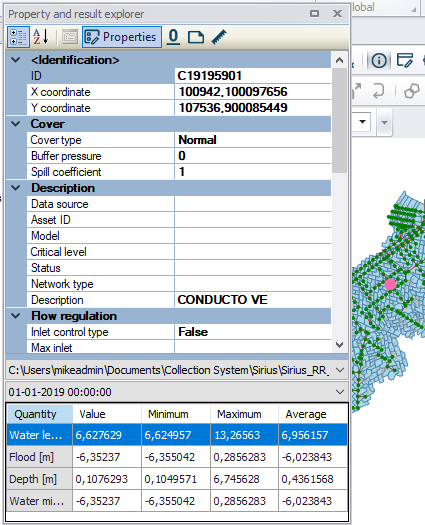
Figure: The identify tool displays information on the element chosen on the map