Boundary Overview
It is possible to visualize the time frame variation of all boundary conditions included in the model by means of the boundary overview dialog.
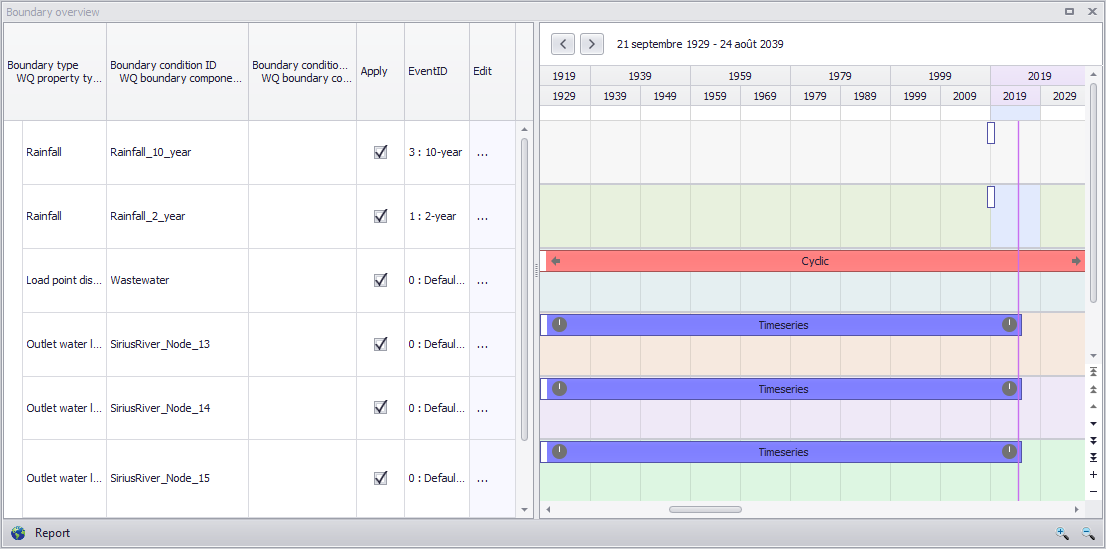
Figure: Boundary overview
The overview allow the user to apply boundary conditions and lead the user to the editor by clicking on “Edit”. The right side of the panel shows the time frame of the boundary condition.