Languages
MIKE+ can be run in a number of languages. You can switch language in MIKE+ via the Global Settings functionality in the Project menu ribbon.
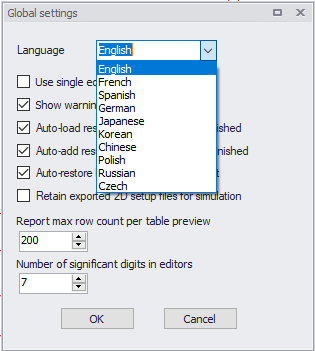
Figure: Language setting options in MIKE+
The application needs to be restarted when switching Language for changes to take effect.
Note
The corresponding Language must have been installed during installation of MIKE+. The application needs to be restarted when switching Language for changes to take effect.
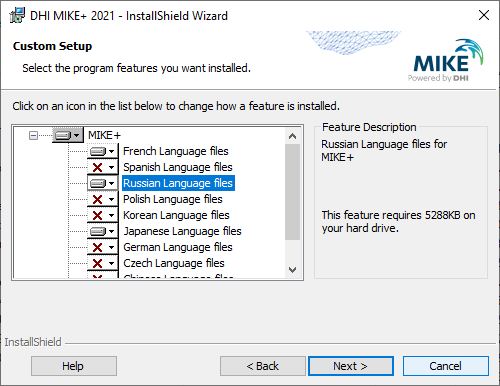
Figure: Language installation window during program installation