Structures
Consideration of man-made interventions and hydraulic structures is important in most river applications to achieve accurate and reliable model results. Hydraulic structures impose significant internal control points to a river model allowing for correct flow dynamics and back water effects around structures in the model.
MIKE+ supports the modelling of the following types of river network structures:
Structures are placed at Q-points where the momentum equation is solved, and structures are included in a model to replace the momentum equation with something more suitable for the structure in question. The effect of the bed friction is generally not taken into account, and thus there must be h-points (cross sections) up- and downstream close to the structure.
Insert a structure in the river model through the main Map. Use the Create tool from the Edit Features toolbox on the River Network menu ribbon to define structures on the Map.

Figure: Define river structures on the Map using the Create tool on the River Network menu ribbon
Set the target layer to the expected structure type, and use the Create tool to define a structure on the Map. Click along a river branch to locate the structure.
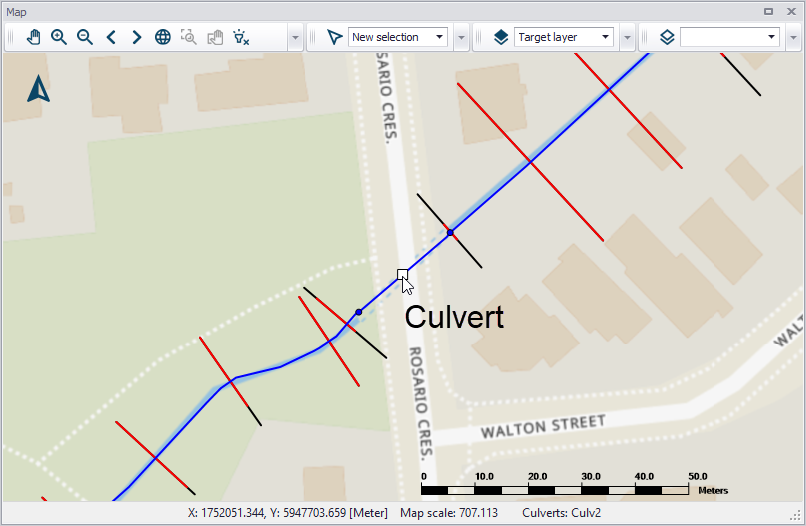
Figure: A culvert defined along a river network
Records for structures defined on the Map are added in the corresponding editors. Also, structures may be defined directly in the editors using the ‘Insert’ button. Use the ‘Delete’ button in the editor to remove a structure from the river model.