Status Line and Tooltips
As you move your cursor on the map, the status line will display the coordinates and map scale.
Also, hovering your cursor over an edit field in an Editor will display a tooltip with the name of the table and attribute name where data for that field is saved (Figure 2.8).
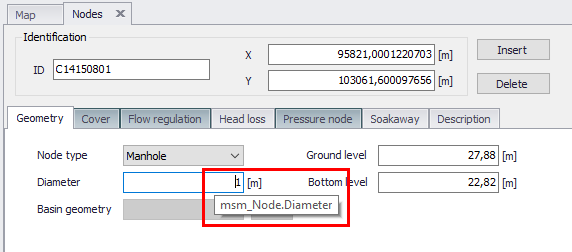
Figure: Example tooltip shown for the Node Diameter, indicating that in the database, the data is contained in the ‘msm_Node’ table under the attribute ‘Diameter’