Introduction to Cross Sections
River cross section data are essential in defining river network models, as they are used in determining conveyance and flow areas in solving the 1D shallow water equations during simulations.
Cross section data are stored in an external *.XNS11 cross section file, which may be created, edited, loaded, and visualized via the Cross Sections editor under the River Network setup group in MIKE+ (figure below).
Cross sections may also be edited and shown graphically on the Map.
Cross sections data in the editor are presented under a number of windows, as shown below.
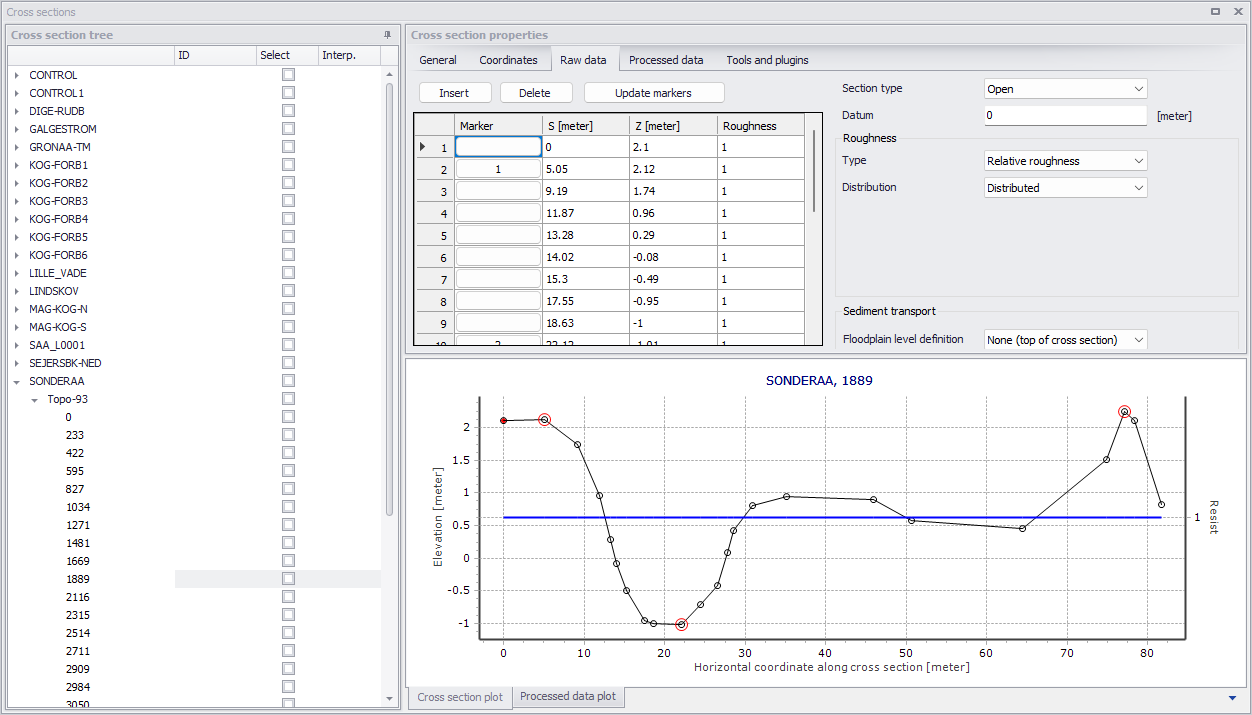
Figure: The Cross Sections editor in MIKE+
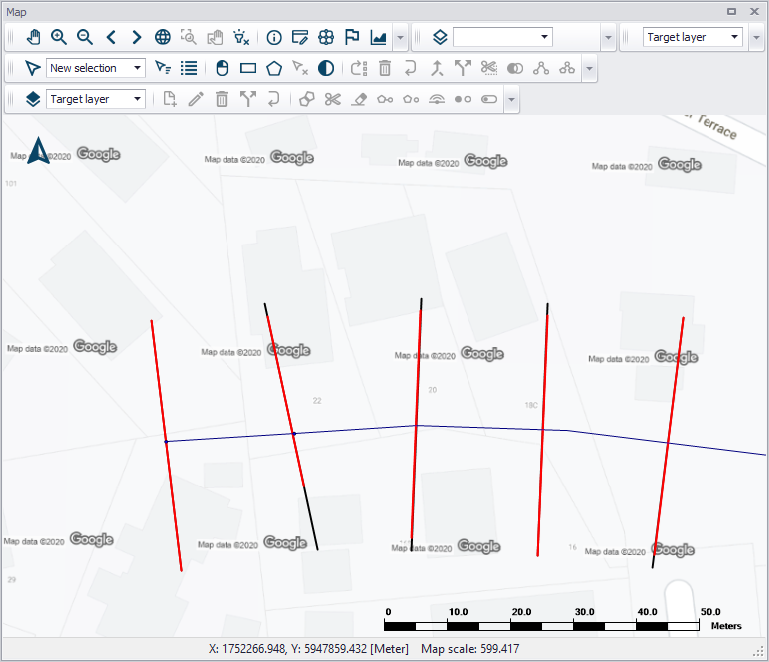
Figure: Cross Section lines shown on the map